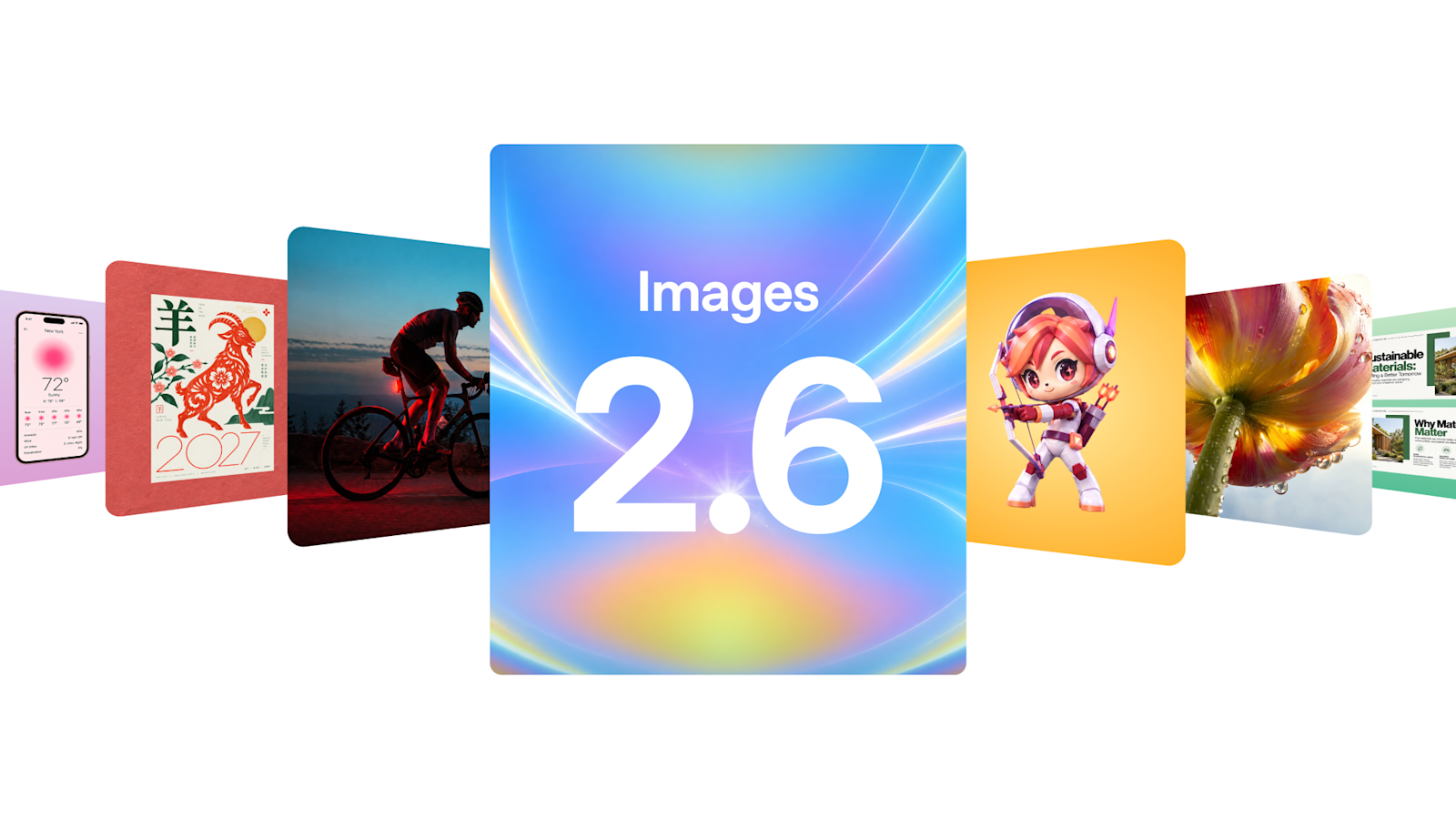
What did OpenAI launch with Images 2.6?
OpenAI released Images 2.6 on 4 November 2026. The model is available in ChatGPT, Codex and the API. OpenAI says it is rolling out globally on desktop, mobile and web, across all subscription tiers.
The headline consumer feature is animated GIF creation. ChatGPT can turn a text prompt or an uploaded photo into a short animation. Users can change the playback speed and edit individual frames before sharing the result.
OpenAI's examples lean on simple, repeatable subjects. One prompt asks for a six-frame sprite sheet of a cartoon office worker reacting to a falling stock chart. Another turns a pen sketch of an owl into an animated character. The company also suggests brand mascots, product-shot loops, reaction memes and animated storyboards.
The scale behind the launch is large. OpenAI says people now create more than 4 billion images per week across ChatGPT, Codex and the API. That is more than 500 million images a day. In September 2026, when OpenAI launched Images 2.5, it reported more than 3 billion images per week. The new figure is roughly a third higher.
Images 2.6 is an upgrade to an existing product line, not a new chatbot or a video model. The core claims are speed, tighter editing and motion. OpenAI says the model generates images 50% faster than before. It also says Flare can produce an image in as little as six seconds at low quality.
That combination matters. A faster model makes iteration cheaper in time. A GIF feature gives the output somewhere to go beyond a single still. The two API models give developers a way to choose between latency and detail.
How does ChatGPT's GIF maker work?
The workflow starts with a prompt or a photo. ChatGPT produces a sequence of frames and returns an animated GIF. The Verge reports that users can create GIFs from a prompt or an uploaded photo. The Decoder reports that users can adjust speed and edit individual frames.
OpenAI's published examples show how the feature is meant to be used. The prompts ask for a fixed camera, a consistent character and a precise grid of frames. One asks for exactly six sequential frames in a three-column by two-row sprite sheet. A sprite sheet is a single image that holds the animation frames in a grid. The model is told to keep the desk, outfit and background identical in every panel.
That is a storyboard workflow disguised as a chat request. The user describes the motion. The model draws the key poses. The editing controls let the user fix a frame that drifted. The Decoder notes that character consistency is strong enough to keep a subject recognizable across frames, which makes flipbook-style animation possible.
The format has hard limits. GIF caps each frame at 256 colors, according to the GIF89a specification. Frame delays are stored in hundredths of a second. GIFs are silent and are built for short loops, not for scenes with dialogue or complex camera moves. A six-frame loop can suggest a reaction or a product turn. It cannot replace a video clip.
The launch announcement does not state a maximum GIF length, frame count or file size. Users must discover the practical boundaries through trial and error. The gap also makes it hard to compare the feature with dedicated animation tools.
The controls are narrow but useful. Speed adjustment changes the rhythm of the loop. Frame editing lets the user repair one bad pose instead of rerolling the whole sequence. For social teams, that is often the difference between a usable loop and a discarded draft.
Is Images 2.6 really 50% faster?
OpenAI's headline is unambiguous. The company says Images 2.6 generates images "50% faster" than before. The announcement does not break that figure down by quality setting, resolution or prompt type. It also does not name the exact baseline used for the comparison.
One published benchmark gives a smaller number. AlphaSignal reports that OpenAI's benchmark shows Flare generation time falling from 7.08 seconds to 4.84 seconds. That is a 32% reduction in elapsed time. The two figures are not directly comparable. A throughput gain across a batch is different from the wait for one image. Quality settings also change the result.
The practical difference is still meaningful. OpenAI says Flare can generate an image in six seconds. That applies when quality is set to low. Sunburst is the slower, higher-detail option. Higher complexity settings can add latency, according to OpenAI's API documentation. The documentation also warns that higher complexity can introduce unwanted changes.
For users, the useful question is not whether the model is 50% or 32% faster. It is whether the wait fits the workflow. A six-second image is fast enough for a chat back-and-forth. A complex poster with dense text will take longer, especially on Sunburst with high complexity. OpenAI's own guidance is to use low complexity for focused edits and reserve higher settings for dense layouts.
Speed also affects cost in indirect ways. Faster iteration invites more attempts. More attempts mean more tokens and more review time. The bill depends on how many images a team generates and at what quality, not just on the seconds saved per image.
The 50% claim is best treated as a vendor number until independent tests cover more settings. The 32% figure is narrower, but it comes with concrete times. Both point in the same direction. Images 2.6 is quicker, but the gain depends on how you measure it.
What is the difference between Flare and Sunburst for developers?
Flare and Sunburst are two API models, not two subscription tiers. OpenAI describes Flare as the smaller model for workflows where speed matters most. It describes Sunburst as the base model for work that needs more detail or precise edits. OpenAI also says Flare improves layout quality for posters, product imagery and other professional visuals.
Both models accept the same main controls. Quality can be set to low, medium, high, xhigh or max. Complexity can be set to low, medium or high, and defaults to high if omitted. OpenAI says complexity has no separate fee. It changes how much planning the model does before rendering. Lower settings suit focused edits, such as changing a background or a sign. Higher settings help with dense text and complex layouts, but can add latency and unwanted changes.
Both models support generation, editing and transparent backgrounds. They accept square, landscape and portrait sizes, plus custom sizes in multiples of 16. OpenAI's documentation also lists image markup, SVG output and animated GIF output through the Image API. Markup lets developers point to the exact area that should change. SVG output makes a result easier to move into a web or print workflow.
The system card adds a useful detail. It says GIF generation and photo markup are available in both ChatGPT and the API. That means the GIF feature is not only a consumer toy. Developers can build it into a product, provided they handle the output and its risks.
The token prices are identical for both models. OpenAI lists $5 per million text input tokens, $8 per million image input tokens and $30 per million image output tokens. Cached input is $2 per million tokens. There are no per-image estimates by quality in the pricing table, so teams need to model their own usage.
Access has a gate. OpenAI says developers may need to complete API organization verification before using GPT Image models. That is a compliance step, not a technical limit, but it affects how quickly a team can ship.
The choice between the models is a trade-off. Flare is for drafts, high-volume variants and chat-like iteration. Sunburst is for final assets, precise edits and images with text or many objects. A sensible workflow may use Flare for exploration and Sunburst for the frames that survive review.
OpenAI pointed to one early customer. Town, a startup building an AI work assistant, used Images 2.6 in the API to explore animated characters. Its character Monty appears above the message box as a typing indicator. That is a small use case, but it shows where the API is heading: images as interface elements, not just illustrations.
Why GIFs matter to marketers, designers and platforms
GIFs occupy a useful niche. They loop, they are silent and they carry no audio track. That makes them cheap to consume and easy to reuse in feeds, landing pages and messaging threads. A still image shows a product. A short loop can show a turn, a reaction or a small piece of motion.
OpenAI's examples map directly to marketing work. A brand mascot can blink or wave. A product shot can rotate. A team can test a reaction meme before committing to a video shoot. An animated storyboard can show character movement to a director without a full animation pipeline.
Designers gain control at the frame level, but the work is still iterative. A six-frame loop leaves little room for error. One inconsistent hand or a drifting logo is visible immediately. The editing tools help, but they do not remove the need for art direction. The model can propose the poses. A human still has to decide whether the loop reads correctly.
The platform effect may be larger than the marketing effect. More AI-generated GIFs mean more animated content in feeds, chat threads and comment sections. That raises moderation questions. A moderation system that evaluates a single frame can miss meaning that builds across a sequence. Motion can be harmful even when each still looks benign.
Rights are another open area. Brands can animate a mascot they own. They should be more careful with characters, logos or likenesses they do not own. The launch announcement does not offer a rights checklist. The feature also makes it easy to produce plausible motion from a single upload.
The format also sets expectations. A GIF is not a video. It has no sound, a limited palette and a short duration. Users who expect a polished clip may be disappointed. Users who want a lightweight loop for a landing page or a chat reply may find it sufficient.
The commercial appeal is speed. A social team can go from a prompt to a looping asset in one conversation. That compresses a workflow that used to require a designer, an animation tool and a render queue. It does not eliminate those roles. It changes where the time goes.
What does the safety card say about GIFs?
OpenAI published a system card for Images 2.6. The still-image evaluation used 3,077 adversarial prompts. For Flare, the rate of unsafe generations that were not blocked was 2.14%, against a 1.49% baseline. For Sunburst, it was 1.72%, against a 1.92% baseline. OpenAI says neither overall difference was statistically significant.
The GIF evaluation is separate and less quantitative in the public summary. OpenAI says it used a targeted set of adversarial GIFs labeled as policy-violating. The card says GIF generation introduces risks that may not be apparent in still images. It names "sexualized movement and harmful meaning conveyed across frames".
OpenAI says it applies safeguards designed to block policy-violating GIF content. "GIF-specific rules also block some content categories more broadly" than still images to account for inferred motion. The card also admits the limit. "Motion-related violations remain challenging to detect", and the safeguards may not catch all violations.
That is the most important caveat in the release. A GIF is a sequence, and safety systems built around single frames can miss what the sequence implies. The card's disclosure is more specific than a generic safety note. It names the risk and acknowledges the gap.
Provenance is the second caveat. OpenAI says it uses C2PA metadata and Google DeepMind's SynthID watermarking for Images 2.6. The card also says "there is no single solution to provenance". It does not spell out whether every GIF carries the same signals, or whether those signals survive conversion and re-upload.
Those questions matter because GIFs are made to be shared. A file that leaves ChatGPT and passes through a social platform may be copied, compressed or re-encoded. C2PA and SynthID are designed to help, but neither is a complete answer. OpenAI's own card says as much.
The takeaway is not that the feature is unsafe. It is that the safety evidence is stronger for still images than for motion. The company disclosed a real gap and a mitigation strategy. Independent testing will show how well the strategy holds.
What to watch next after the Images 2.6 launch
Three things will determine whether the GIF feature becomes a standard tool or a novelty. The first is published limits. The launch announcement does not state a maximum length, frame count or file size. Clear limits would help teams design workflows and compare the feature with dedicated animation software.
The second is independent benchmarking. OpenAI's 50% claim and the 32% figure reported by AlphaSignal measure different things. Tests across quality, complexity and prompt types would show where the speed gain is real and where it disappears. They would also show whether Sunburst's consistency claim holds for complex scenes.
The third is provenance. Watch for tests of C2PA metadata and SynthID in animated files. Watch for platform labels on AI-generated GIFs. Watch for moderation systems that can evaluate a sequence rather than a frame. Those systems will decide how much AI animation reaches ordinary feeds.
There is also a product question. OpenAI has made GIFs a first-class output in ChatGPT and the API. If usage grows, the next version may add longer clips, audio or tighter frame controls. If usage stays flat, GIFs may remain a side feature for social teams and prototyping.
For now, the release is best understood as an image-model upgrade with a motion feature attached. The speed and editing changes matter to developers. The GIF feature matters to marketers and creators. The safety and provenance gaps matter to everyone who sees the output.
The next few weeks should bring clearer answers. OpenAI may publish GIF limits in its help center. Independent testers may compare the two API models at several quality settings. Platforms may update their labels for synthetic media. Each of those steps will matter more than the launch-day speed claim.