Lindy
AI assistant that connects to your tools and handles recurring work
🎬 Product Demos & Video Guides
2 VideosWatch these curated walkthroughs to master Lindy from beginner setup to advanced features:
1. How to Use Lindy AI (Beginner Tutorial for Your First Agent) (Kevin Stratvert)
2. Lindy AI Tutorial: Automate Your Workflow with a No-Code AI Assistant (Beginner’s Guide) (AI Academy)
Lindy (lindy.ai) Review
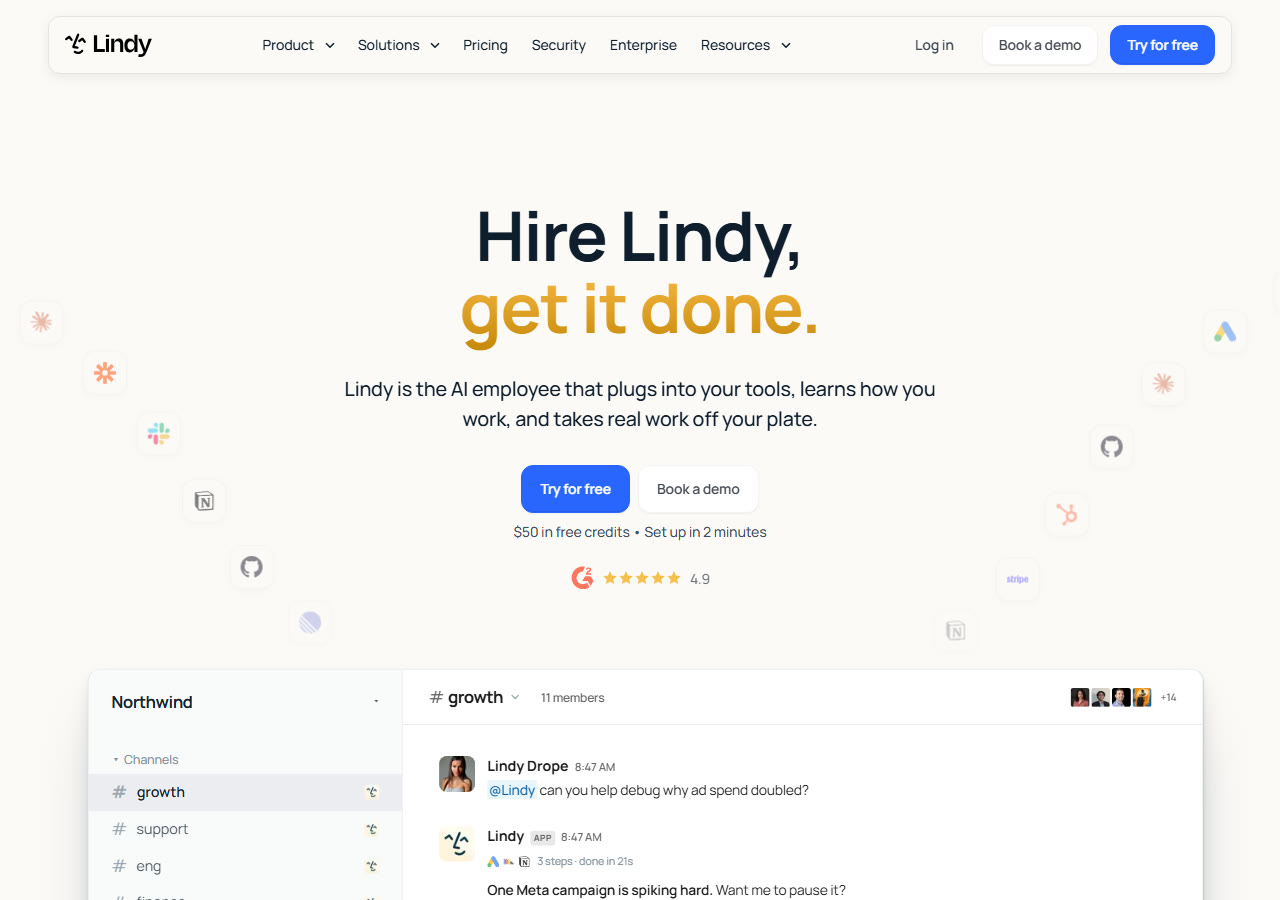
Lindy is an AI assistant that connects to business tools such as Gmail, Slack, Notion, and HubSpot. It learns recurring workflows through editable memory, includes 40+ skills and routines, and requests approval before sending or writing. The vendor lists 1,500+ integrations.
🏆 Feature this Award on Your Website
Official 2026 BadgeAre you part of the Lindy team? Embed your verified benchmark badge on your landing page or press kit:

<a href="https://www.topai-tools.org/tools/lindy-ai" target="_blank" rel="noopener">
  <img src="https://www.topai-tools.org/badges/verified-2026.svg" alt="Featured on Top AI Tools 2026 Directory" width="220" height="54" />
</a>
Key Capabilities & Features
- •Connects to Gmail, Slack, Notion, HubSpot and 1,500+ tools
- •Editable memory of preferences and past work
- •Comes with 40+ skills
- •Routines for repeated scheduled work
- •Approval before actions that write or send
- •Event-based triggers start tasks automatically
Pricing, Access & Specs
✓ Strengths & Highlights
- Agents
✕ Potential Drawbacks
- Plan limits change; confirm current terms on the official pricing page.
Community Reviews
No community reviews submitted yet. Be the first to evaluate this tool.
Post a Verified Review
Share your hands-on benchmarks, workflow impressions, and latency notes.