Microsoft Copilot
Microsoft's AI assistant across Windows, Office apps and the web
🎬 Product Demos & Video Guides
2 VideosWatch these curated walkthroughs to master Microsoft Copilot from beginner setup to advanced features:
1. Microsoft Copilot Tutorial (Kevin Stratvert)
2. Microsoft Copilot for Organizations – Complete Tutorial (Kevin Stratvert)
Microsoft Copilot (copilot.com) Review
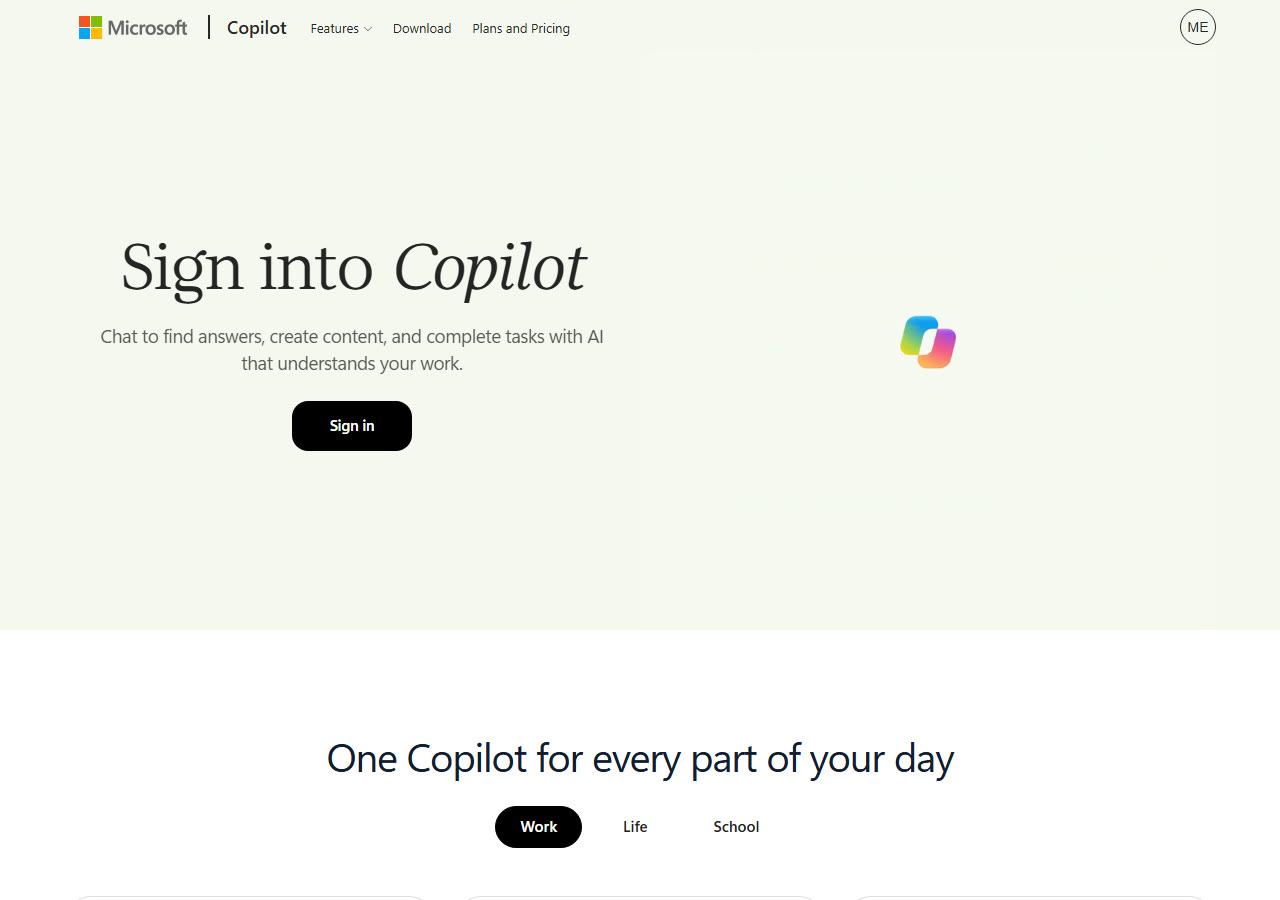
Microsoft Copilot is an AI assistant on the web, desktop and mobile, and is integrated into Word, Excel, PowerPoint, Outlook and Teams. It answers questions grounded in your work content, hands off multi-step tasks, and can build dashboards and apps from a description. A free tier works with a signed-in Microsoft account.
🏆 Feature this Award on Your Website
Official 2026 BadgeAre you part of the Microsoft Copilot team? Embed your verified benchmark badge on your landing page or press kit:

<a href="https://www.topai-tools.org/tools/microsoft-copilot" target="_blank" rel="noopener">
  <img src="https://www.topai-tools.org/badges/verified-2026.svg" alt="Featured on Top AI Tools 2026 Directory" width="220" height="54" />
</a>
Key Capabilities & Features
- •Integrated into Word, Excel, PowerPoint, Outlook and Teams
- •Chat answers grounded in your work
- •Handles complex multi-step work across apps
- •Builds dashboards, trackers and apps from a description
- •Voice, keyboard or pen input
- •Available on desktop, mobile and web
Pricing, Access & Specs
✓ Strengths & Highlights
- LLMs & Reasoning
✕ Potential Drawbacks
- Plan limits change; confirm current terms on the official pricing page.
Community Reviews
No community reviews submitted yet. Be the first to evaluate this tool.
Post a Verified Review
Share your hands-on benchmarks, workflow impressions, and latency notes.